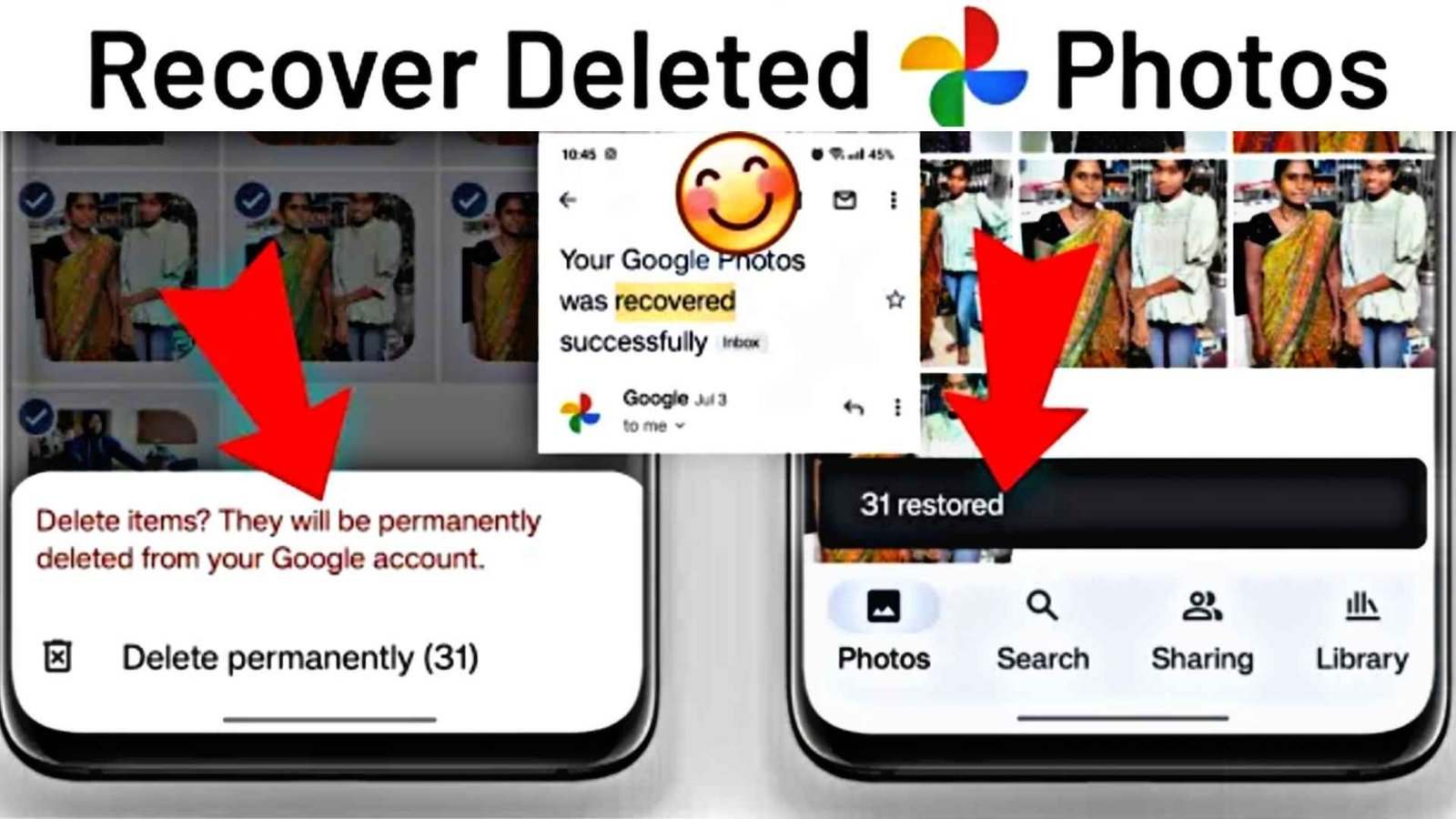
Accidentally deleted important photos? It happens to almost everyone. The good news is that in most cases you can still recover deleted photos if you act quickly. This 2026 guide explains simple methods for Android, iPhone, SD cards, and computers using reliable photo recovery apps and built-in tools.
Why Deleted Photos Can Still Be Recovered
When you delete a photo, the file is usually not erased immediately. The system only removes the reference to it. Until new data overwrites that space, recovery software can often find and restore the photos.
Important First Steps
- Stop using the device or storage as much as possible
- Do not take new photos or install apps on the same storage
- Check Recently Deleted / Trash folder first (Android Gallery, Google Photos, iPhone Photos)
How to Recover Deleted Photos – Step by Step
1. Check Built-in Trash / Recently Deleted
On most phones, deleted photos stay in a “Recently Deleted” or “Trash” folder for 30 days. Open your Gallery or Google Photos / Apple Photos and restore them from there.
2. Use Google Photos or iCloud (If Backup Was On)
If you had backup enabled, the photos may still be in the cloud even after local deletion. Log in to Google Photos or iCloud.com and download them again.
3. Use a Photo Recovery App
When the photos are not in trash or cloud, a recovery app is the next option. Popular reliable tools include:
- Disk Drill
- EaseUS Data Recovery
- Recuva (for computer)
- Phone-specific recovery apps from trusted developers
General steps with most recovery apps:
- Install the app (preferably on a computer if recovering from phone storage)
- Connect the phone or insert the SD card
- Select the drive/storage and start a deep scan
- Preview the found photos
- Recover and save them to a different location
Tips for Higher Success Rate
- Act as soon as you notice the photos are missing
- Avoid writing new data to the same storage
- Use a computer for deeper scans when possible
- Always save recovered files to another drive
How to Prevent Future Loss
Turn on automatic backup (Google Photos, iCloud, or OneDrive). Keep important photos in at least two places. Empty the trash only when you are sure you no longer need the files.
Conclusion
Recovering deleted photos in 2026 is often possible if you check the trash first, use cloud backups, and run a trusted recovery tool quickly. Stay calm, follow the steps above, and back up regularly so you do not lose precious memories again.