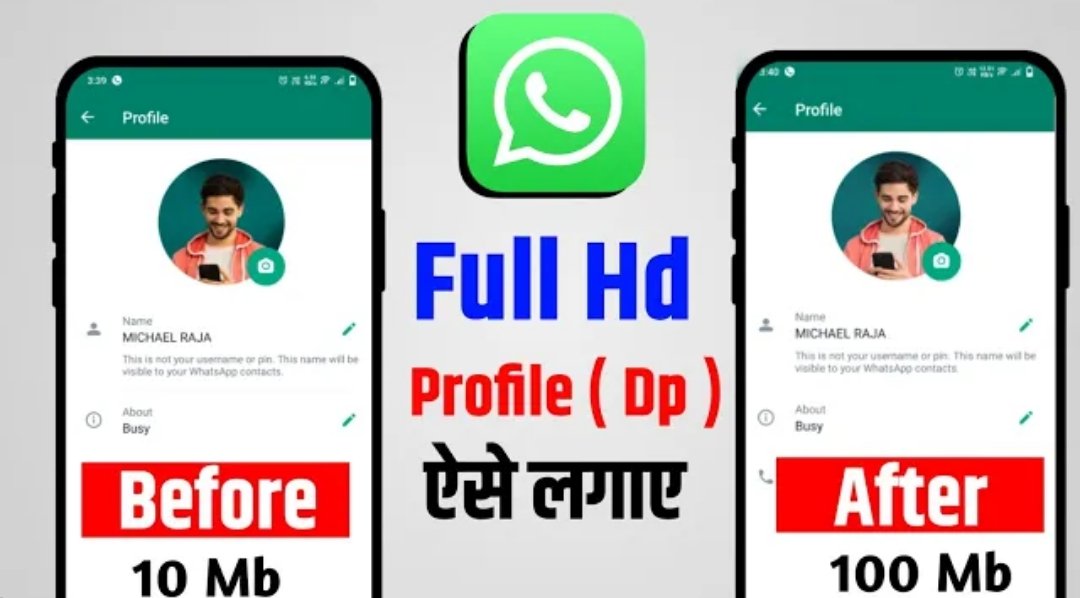
A clear and properly sized profile picture makes a better first impression on WhatsApp. Many people want a full size DP that is not heavily cropped. Here is a simple guide to set it correctly on both Android and iPhone.
Why Full Size Matters
When the photo is too small or poorly cropped, important details get cut off. A good full-size DP shows your face clearly and looks professional or friendly depending on the image you choose.
How to Set Full Size DP on Android
- Open WhatsApp and tap the three dots → Settings
- Tap your profile name / photo at the top
- Tap the camera icon on your current photo
- Choose Gallery or Camera and select the image
- Adjust the crop circle so the important part of the photo stays inside
- Tap Done / Save
How to Set Full Size DP on iPhone
- Open WhatsApp → Settings → tap your name at the top
- Tap Edit under your photo (or the photo itself)
- Choose an image from your library or take a new one
- Move and scale the photo inside the circle so the main subject is centered
- Tap Done / Choose
Tips for a Better Profile Picture
- Use a clear, well-lit photo
- Prefer a square or near-square image for less cropping
- Keep the face or main subject in the center
- Avoid very low-resolution images
- Check privacy settings if you want to control who can see your photo
Conclusion
Setting a full size DP on WhatsApp is quick once you know the steps. Choose a clear photo, adjust the crop carefully, and your profile will look much better.