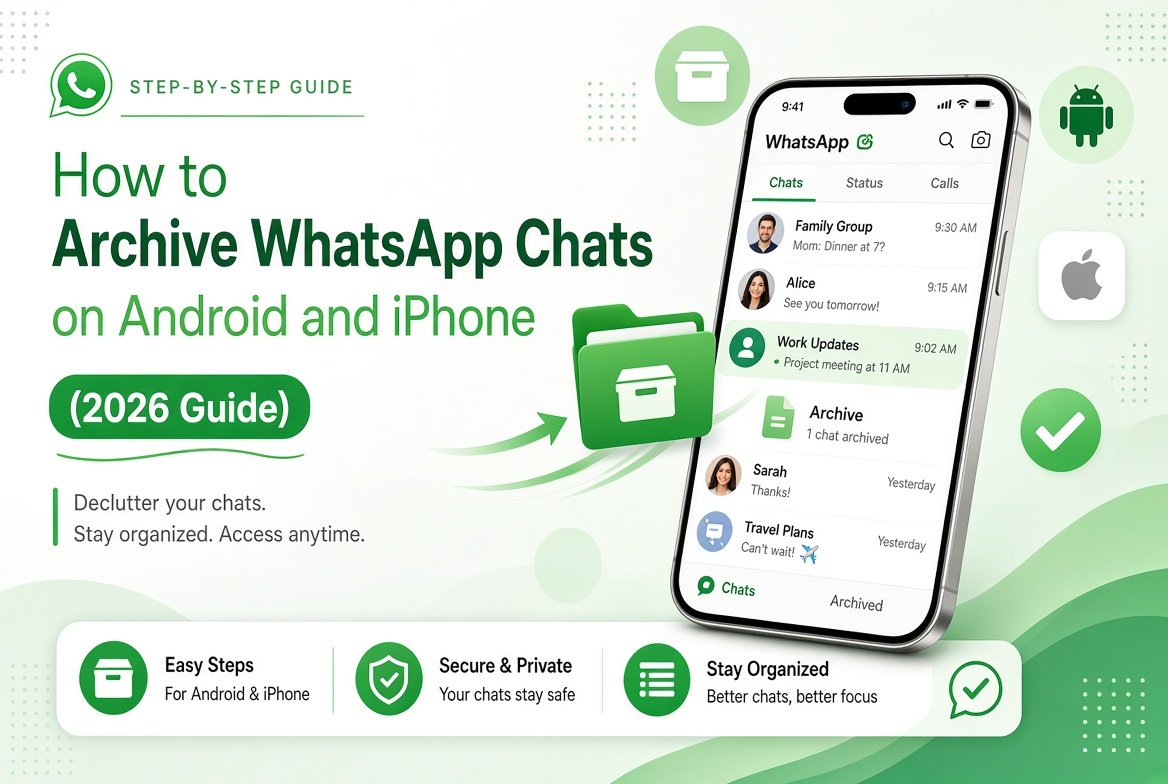
Want to clean up your WhatsApp chat list without deleting conversations? Archiving chats is the simplest way to hide chats you do not need to see every day while keeping all messages safe. This guide shows you how to archive WhatsApp chats on both Android and iPhone in 2026.
Archived chats stay completely intact. You can open them anytime, and new messages will still arrive (depending on your settings).
How to Archive a WhatsApp Chat on Android
- Open WhatsApp and go to the Chats tab.
- Tap and hold the chat or group you want to archive.
- Tap the Archive icon at the top of the screen.
- The chat will move to the Archived section.
You can select multiple chats at once by tapping and holding one, then selecting others before tapping Archive.
How to View Archived Chats on Android
Scroll to the top of your chat list. You will see an Archived row. Tap it to open all archived conversations.
How to Archive a WhatsApp Chat on iPhone
- Open WhatsApp and go to the Chats tab.
- Swipe left on the chat or group you want to archive.
- Tap Archive.
The chat disappears from the main list and moves into the Archived folder.
How to View Archived Chats on iPhone
Scroll to the top of your chats. Tap Archived to see all hidden conversations.
How to Unarchive a Chat
Open the Archived folder, then:
- Android: Tap and hold the chat → tap the Unarchive icon.
- iPhone: Swipe left on the chat → tap Unarchive.
You can also open an archived chat and it will automatically return to the main list when a new message arrives (unless you change the setting).
Keep Chats Archived Setting
By default, an archived chat returns to the main list when someone sends a new message. To keep chats permanently archived even after new messages:
- Go to Settings > Chats.
- Turn on Keep Chats Archived.
With this option enabled, archived chats stay hidden until you manually unarchive them.
Archive vs Mute vs Chat Lock
- Archive – Hides the chat from the main list but keeps messages.
- Mute – Stops notifications but the chat stays visible.
- Chat Lock – Hides the chat and requires fingerprint/face unlock to open. Learn more in our guide on how to lock WhatsApp chats.
Final Thoughts
Archiving is one of the easiest ways to keep your WhatsApp organized. It is especially useful for old group chats, temporary conversations, or contacts you do not message often.
For more useful WhatsApp features and privacy tips, check our full WhatsApp Complete Guide.