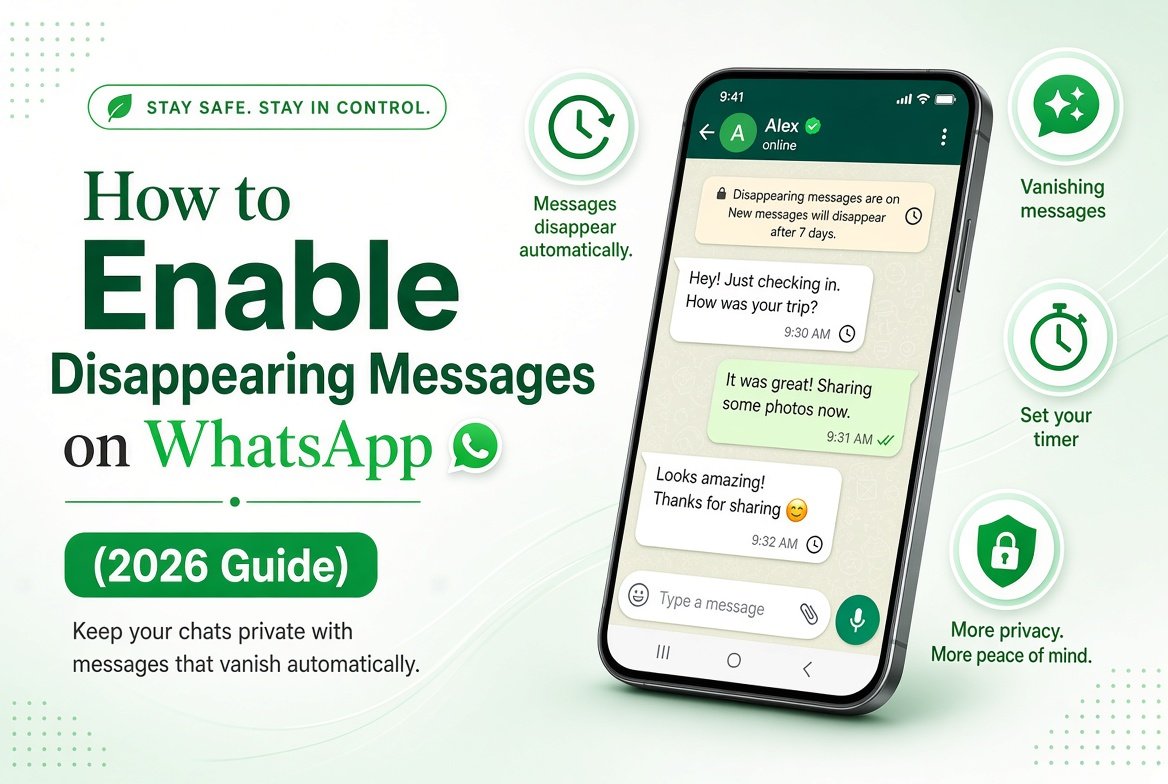
Want messages to automatically disappear after a set time? WhatsApp’s Disappearing Messages feature lets you do exactly that. This guide explains how to enable disappearing messages on WhatsApp for individual chats, groups, and as a default setting in 2026.
Once turned on, new messages in that chat will vanish after 24 hours, 7 days, or 90 days.
How to Turn On Disappearing Messages for a Single Chat
- Open the chat with the person or group.
- Tap the contact or group name at the top.
- Tap Disappearing messages.
- Choose 24 hours, 7 days, or 90 days.
- Confirm if prompted.
A notice will appear in the chat so everyone knows the feature is active.
How to Set Disappearing Messages as Default for New Chats
You can make every new individual chat start with disappearing messages automatically:
- Go to Settings > Privacy.
- Tap Default message timer.
- Select 24 hours, 7 days, 90 days, or Off.
- Choose whether to apply it only to new chats or also to existing ones.
This setting does not affect groups unless you turn it on inside each group.
Who Can Control Disappearing Messages in Groups?
By default, any group member can turn disappearing messages on or off. Group admins can change the group settings so that only admins control this feature. This is useful for managing customer groups or communities.
Important Things to Know
- Only new messages disappear. Old messages stay until you delete them manually.
- Media, documents, and voice messages also follow the timer.
- You can still take screenshots or forward messages before they disappear.
- Turning the feature off does not restore already disappeared messages.
When to Use Disappearing Messages
This feature works well for temporary discussions, sensitive information, or chats where you prefer not to keep a long history. For permanent privacy options, consider combining it with Chat Lock or reviewing the full privacy settings in our WhatsApp Complete Guide.
Final Thoughts
Disappearing messages give you more control over how long conversations stay on your device and the recipient’s device. It is easy to enable and works on both Android and iPhone.
For more WhatsApp tips and privacy features, explore the complete guide on this site.