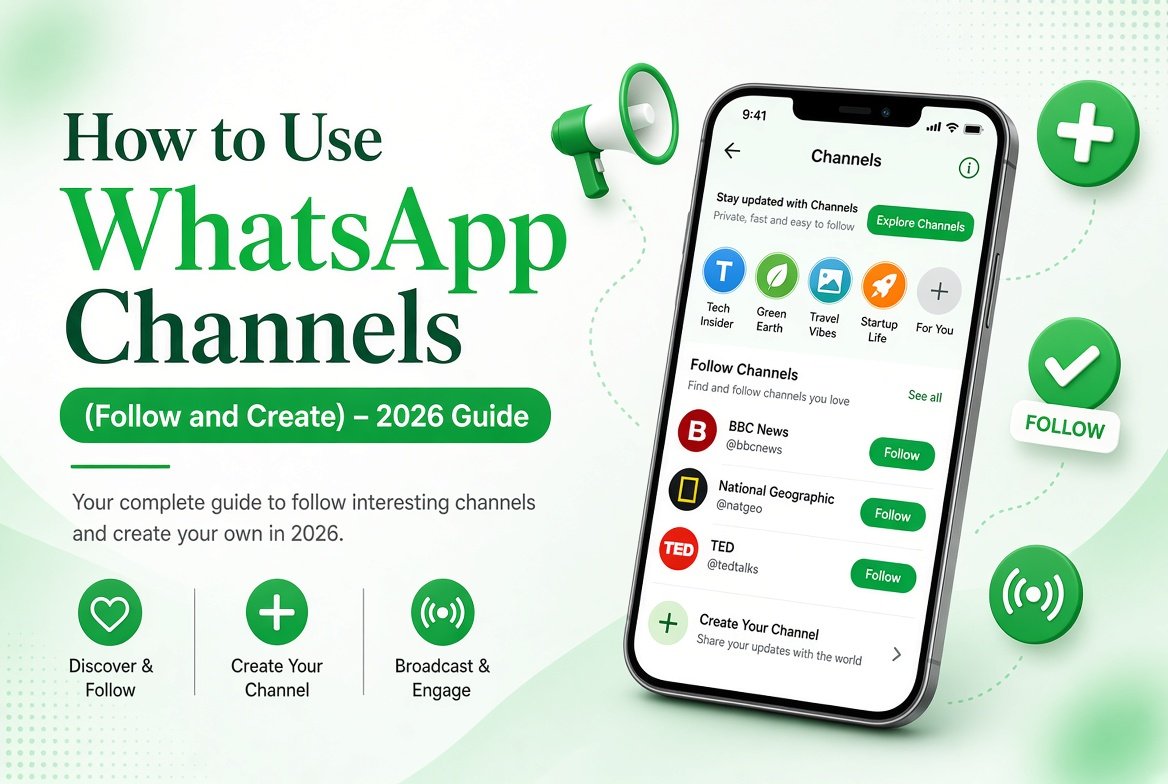
WhatsApp Channels let you follow updates from creators, brands, news sources, and public figures without joining a traditional group. You receive broadcasts, but most channels do not allow public replies. This guide explains how to use WhatsApp Channels in 2026 — how to find, follow, and even create your own.
What Are WhatsApp Channels?
Channels are one-way broadcast tools. Channel admins can post text, photos, videos, and voice messages. Followers receive the updates in a separate Channels section. Unlike groups, Channels keep your phone number private from other followers in most cases.
How to Find and Follow Channels
- Open WhatsApp and go to the Updates tab.
- Look for the Channels section.
- Tap Explore to browse suggested channels or search by name.
- Open a channel and tap Follow.
You can also follow a channel through an invite link shared by someone else.
How to Manage Your Followed Channels
- Mute a channel if you want to stop notifications but keep following.
- Unfollow a channel anytime from the channel info screen.
- Pin important channels so they stay at the top of your list.
How to Create Your Own WhatsApp Channel
- Go to the Updates tab.
- Tap the + icon or the Channels section.
- Select Create channel.
- Add a name, description, and profile picture.
- Choose privacy settings (public or private).
- Start posting updates.
Public channels can be discovered by others. Private channels usually require an invite link.
Tips for Using Channels Effectively
- Follow only channels that provide real value so your Updates tab stays clean.
- Use mute for channels that post frequently.
- If you create a channel, post consistently and keep the content relevant.
- Combine Channels with other privacy features. For more options, see our WhatsApp Complete Guide.
Channels vs Communities vs Groups
- Channels – One-way updates from creators or brands.
- Communities – A collection of related groups under one umbrella.
- Groups – Two-way conversations with multiple members.
Final Thoughts
WhatsApp Channels are a clean way to stay updated without the noise of large groups. Whether you want to follow news, creators, or share updates with an audience, Channels offer a simple and private broadcasting option.
Explore more WhatsApp features and tips in our complete guide on this site.