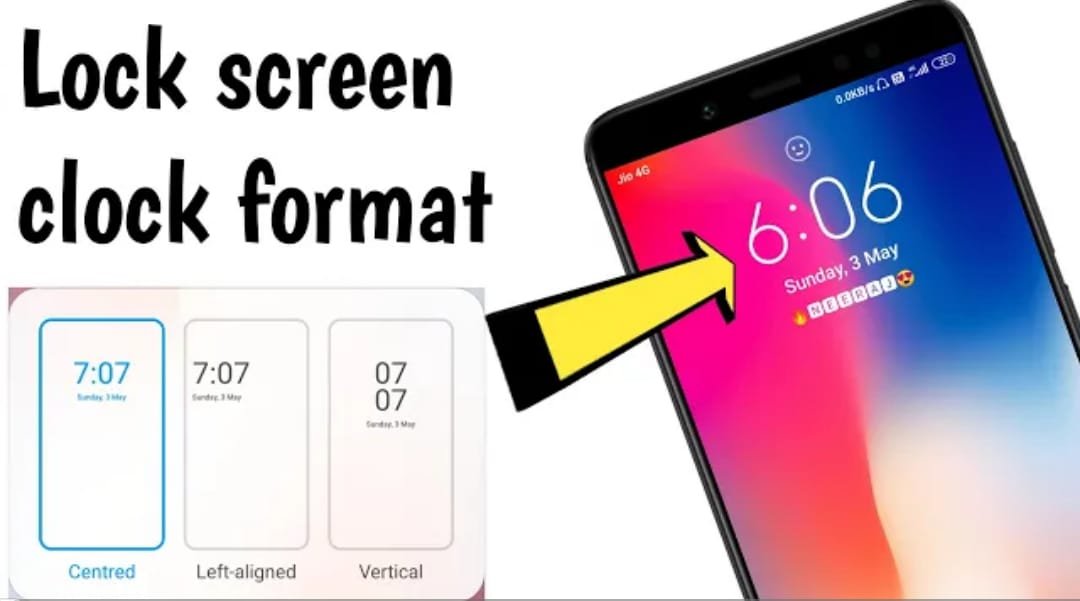
A strong screen lock is the first line of defense for your phone. Some apps add extra options such as time-based locks or additional password layers. Here is a practical overview.
Built-in Screen Lock Options
- PIN, pattern, or password
- Fingerprint or face unlock (where available)
- Smart Lock / trusted devices (use carefully)
What Extra Lock Apps Offer
Third-party apps may add features like:
- Time-based auto lock
- App-specific locks
- Fake or secondary lock screens
Safety Tips
- Prefer the phone’s built-in lock first
- If you install a third-party lock app, get it only from the official store
- Check permissions carefully
- Keep a recovery method (Google account / backup PIN) so you do not get locked out
Conclusion
Start with a strong built-in PIN or biometric lock. Use extra lock apps only if you need specific features, and always choose reputable ones with clear privacy policies.