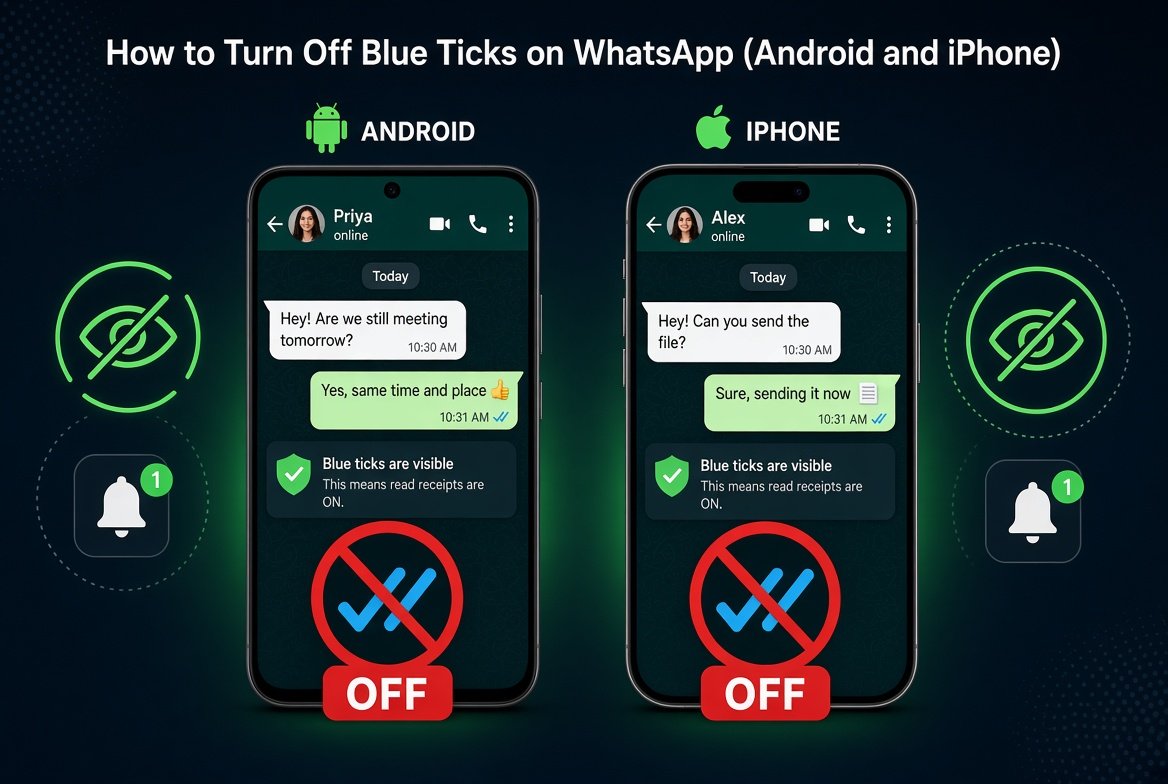
What Turning Off Blue Ticks Actually Does
When you disable read receipts, the sender won’t see the blue double tick when you open their message. They’ll only see the grey ticks that confirm delivery, not that you’ve read it. It’s a small setting, but it changes a lot about how much pressure you feel to reply instantly.
There’s one important thing to know before you turn it off. WhatsApp applies this setting both ways. If you stop sending read receipts, you also stop seeing them from other people. So you won’t know when your own messages have been read either. Group chats and status updates aren’t affected by this setting, so keep that in mind too.
If privacy is the main reason you’re doing this, it’s worth locking down the rest of your phone too. A tool like a reliable VPN hides your browsing on the network level, which read receipts alone don’t touch.
How to Turn Off Blue Ticks on Android
- Open WhatsApp and tap the three dots in the top right corner.
- Go to Settings, then tap Account.
- Tap Privacy, then scroll down until you see Read Receipts.
- Toggle the switch off.
That’s it. The change applies immediately to every one on one chat. For the exact wording WhatsApp itself uses on this feature, you can check the official WhatsApp Help Center as well.
How to Turn Off Blue Ticks on iPhone
- Open WhatsApp and tap Settings in the bottom right corner.
- Tap Account, then tap Privacy.
- Find Read Receipts near the bottom of the list.
- Switch the toggle off.
The steps are nearly identical to Android since WhatsApp keeps its privacy menu consistent across both platforms.
Can You Turn Off Blue Ticks for Just One Person?
No, and this trips a lot of people up. WhatsApp only lets you turn read receipts off globally, for every chat at once. You can’t selectively hide it from one contact while keeping it visible to others. If you want to read a specific person’s message without them knowing, you’ll need to turn the setting off for everyone, check the message, and then decide whether to turn it back on later.
Other Ways People Try to Read Messages Without Blue Ticks
A few workarounds exist if turning off the setting permanently doesn’t fit what you need.
- Airplane mode trick: Turn on airplane mode before opening WhatsApp, read the message, then close the app fully before turning airplane mode back off. This can sometimes prevent the read receipt from sending, though it’s not fully reliable on newer app versions.
- Notification preview: If your phone shows message previews in notifications, you can often read short messages without opening the chat at all, which means no blue tick gets sent.
- Widget preview: Some phones let you add a WhatsApp widget to the home screen that shows recent messages without officially opening the chat.
On a related note, if you ever need to save a WhatsApp conversation as proof or for records, our guide on screen recording tips and tricks covers how to capture clean, high quality screen recordings on both Android and iPhone.
Does Turning Off Blue Ticks Affect Group Chats?
No. Group chats never show blue ticks the same way one on one chats do. In groups, you can already see who has read a message by tapping and holding on it, and that behavior doesn’t change based on your read receipt setting.
Quick FAQ
Will people know I turned off blue ticks?
Not directly. There’s no notification telling anyone you changed the setting. They’ll simply stop seeing blue ticks on messages they send you.
Does this work for WhatsApp Business?
Yes, the same privacy setting exists in WhatsApp Business under Settings and Privacy, and it works the same way.
Can I still see if someone read my message?
No. Turning off read receipts is a two way setting. If you disable it, you lose the ability to see blue ticks on messages you send too.
Bottom Line
Turning off blue ticks on WhatsApp takes less than thirty seconds on either Android or iPhone, and it can genuinely reduce the pressure to respond immediately. Just remember it’s an all or nothing setting, so weigh whether losing your own read receipts is worth the privacy trade off.