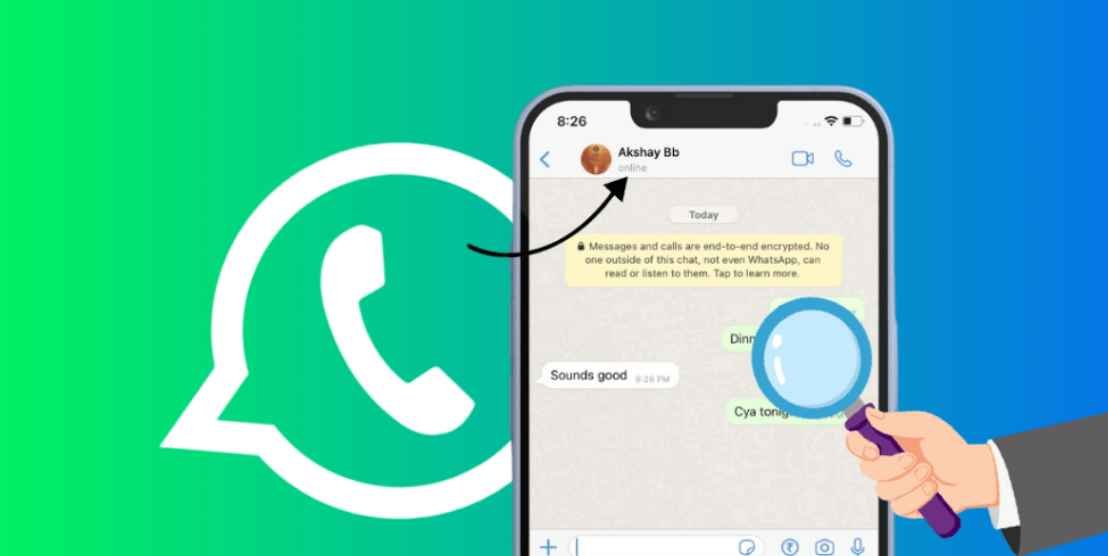
If you use WhatsApp every day, you have probably wondered at least once: who visits your WhatsApp profile? Many people want to know whether a particular person viewed their profile picture, status, or last seen. The truth is that WhatsApp itself does not show any list of profile visitors. There is no official feature for this.
Because of this limitation, several third-party tracker apps claim they can show who viewed your profile. In this 2026 guide you will learn what these apps are, how people usually use them, what limitations exist, and how you can protect your own privacy on WhatsApp.
Does WhatsApp Show Who Viewed Your Profile?
No. Official WhatsApp does not provide any “profile visitors” feature. You can see who viewed your status (if privacy settings allow it), but you cannot see who opened your profile picture or checked your last seen. Any app that claims 100% accurate profile visitor tracking is using unofficial methods and may not be fully reliable.
What Are WhatsApp Tracker Apps?
WhatsApp tracker apps are third-party applications (mostly for Android) that claim to show:
- Who viewed your WhatsApp profile
- Who viewed your status
- Last seen activity of contacts
- Sometimes approximate location of contacts
These apps are not made by Meta/WhatsApp. They work outside the official system, so results can be incomplete or inaccurate. Always download only from sources you trust and read the permissions carefully.
How People Usually Set Up a Tracker App
The common steps users follow are:
- Download the tracker app from a trusted source
- Install and open the app on your phone
- Accept the terms and conditions
- Select your country
- Enter your WhatsApp number and complete sign-in
- Fill in basic profile details (name, gender, etc.)
- Grant the permissions the app requests (contacts, storage, etc.)
After setup, the app may display a list of claimed visitors or activity. Remember that this data is not official and may not always be correct.
Important Safety Tips
- Never share your WhatsApp OTP with any app or website
- Check the app’s privacy policy before giving full access
- Prefer apps that do not ask for unnecessary permissions
- Be aware that some tracker apps can be risky or collect data
How to Protect Your Own Privacy on WhatsApp
If you do not want others to track you easily, adjust these settings inside WhatsApp:
- Last Seen & Online → My Contacts or Nobody
- Profile Photo → My Contacts or Nobody
- About → My Contacts or Nobody
- Status → My Contacts or selected contacts only
These built-in privacy options are the safest way to control what others can see about you.
Final Words
WhatsApp does not officially let you see who visits your WhatsApp profile. Third-party tracker apps claim to fill this gap, but they are unofficial and should be used carefully. Always protect your account, never share OTPs, and use WhatsApp’s own privacy settings for better control over your information in 2026.