Why This Happens
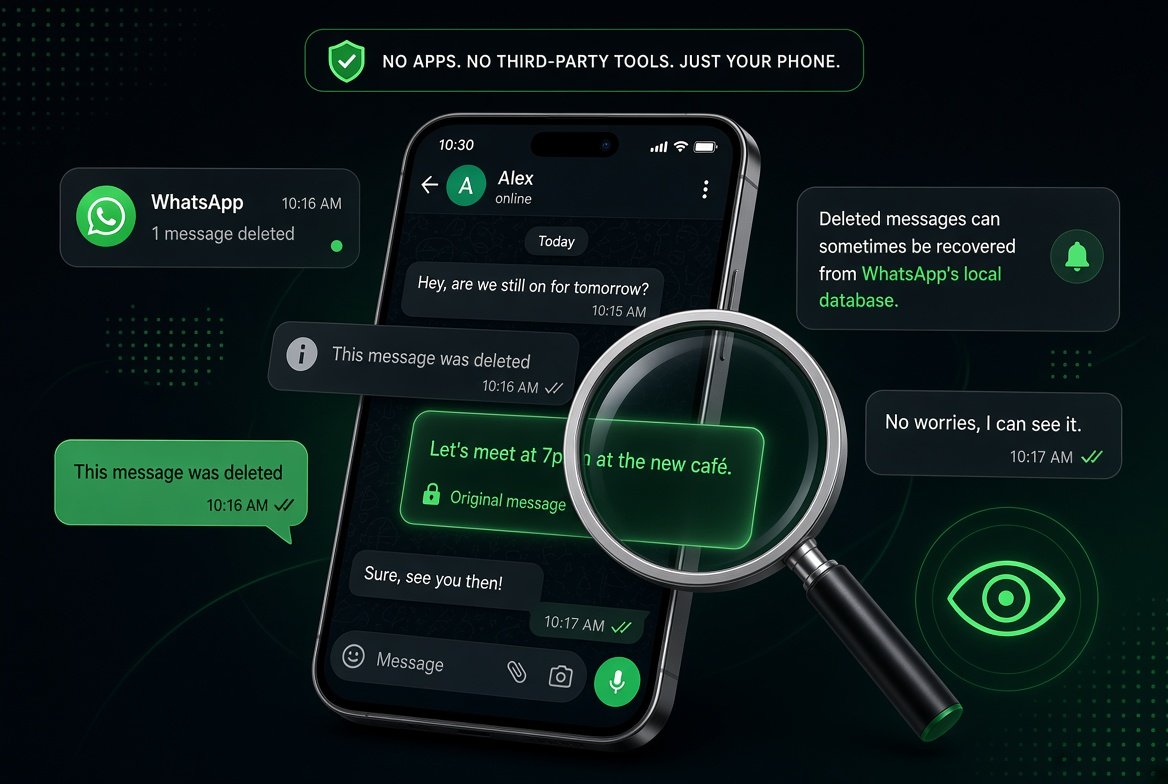
WhatsApp lets anyone delete a message for everyone within a set window after sending it. Once they do, the message disappears from the chat and gets replaced with a grey “This message was deleted” line. According to the official WhatsApp Help Center, the app doesn’t keep a copy anywhere for you to recover once that happens. What it can’t erase, though, is the notification your phone already showed you before the sender hit delete. That’s the gap we’re going to use.
This is a different privacy question from the one we covered in our guide on turning off blue ticks on WhatsApp, but the two often come up together if you’re trying to use WhatsApp on your own terms.
How to See Deleted Messages on Android (No App Needed)
Android keeps a running log of every notification your phone has shown, including message previews from WhatsApp. As long as the message arrived as a notification before it was deleted, you can usually still read it here.
- Open your phone’s Settings app.
- Go to Notifications, then tap Notification History (on some phones this is under Apps and Notifications, then Notifications).
- Turn on Use Notification History if it isn’t already enabled.
- Scroll through the list and look for the WhatsApp entry with the deleted message. The full text usually still shows up here even after it’s gone from the chat.
A quicker shortcut on many Android phones is to long press an empty spot on your home screen, tap Widgets, and add the Settings Shortcut widget. Set it to open Notification History directly, and you’ll be able to jump straight to it whenever you see a “This message was deleted” line.
One limitation worth knowing: notification history usually only holds onto entries for a day or so, and it only works if the notification actually reached your lock screen before the sender deleted the message. If you had notifications muted for that chat, this method won’t help.
How to See Deleted Messages on iPhone Without an App
iPhone doesn’t have a persistent notification log the way Android does, so your best free, no app option is catching the message in your Notification Center before it clears. If you swipe down from the top of the screen right after getting a WhatsApp alert, the preview often stays visible even if the sender deletes the message a moment later, as long as you haven’t dismissed the notification yet.
Beyond that window, the only built in option is restoring an iCloud backup that was made before the message was deleted, which brings back the full chat history as it existed at backup time. Keep in mind this replaces your current chats with whatever was saved in that backup, so it’s worth thinking through before you do it.
What This Method Can’t Do
- It won’t recover messages deleted before you ever saw a notification for them.
- It doesn’t work for photos or videos, only the text preview that showed up in the notification.
- It won’t help if the chat itself was archived or muted with no alerts turned on.
- Group chats work the same way, but you’ll only catch messages that generated a notification on your device specifically.
A Word on Deleted Message Recovery Apps
You’ll find no shortage of apps in the Play Store and App Store promising to show you every deleted WhatsApp message. Most of them can’t actually do what they claim, since WhatsApp’s encryption means there’s no message content sitting around for a random app to pull from. At best they’re repackaging the same notification history trick above. At worst they’re asking for broad permissions to your messages and contacts in exchange for nothing. The built in methods above cost nothing and don’t require handing your data to a third party. If you want to save an actual copy of a chat before something like this happens again, our screen recording tips and tricks guide is a simpler and safer habit to build.
Quick FAQ
Can I see deleted WhatsApp messages after 24 hours?
Usually not through notification history, since most phones clear that log after about a day. Your only real shot at that point is a chat backup made before the message was deleted.
Does this work if the sender blocked me afterward?
Yes. Blocking happens separately from message deletion, so if the notification already reached your device, it stays in your notification history regardless of what the sender does afterward.
Is it legal to view deleted WhatsApp messages this way?
Reading your own notification history on your own device is not different from checking any other notification on your phone. It’s a different question entirely if you’re trying to access someone else’s phone or account without permission, which this method doesn’t help with anyway.
Bottom Line
You don’t need a third party app to catch a deleted WhatsApp message. On Android, your phone’s notification history usually has it saved for about a day. On iPhone, your window is shorter, limited mostly to catching it in Notification Center before it clears. Either way, it costs nothing and keeps your data off some random app’s servers.