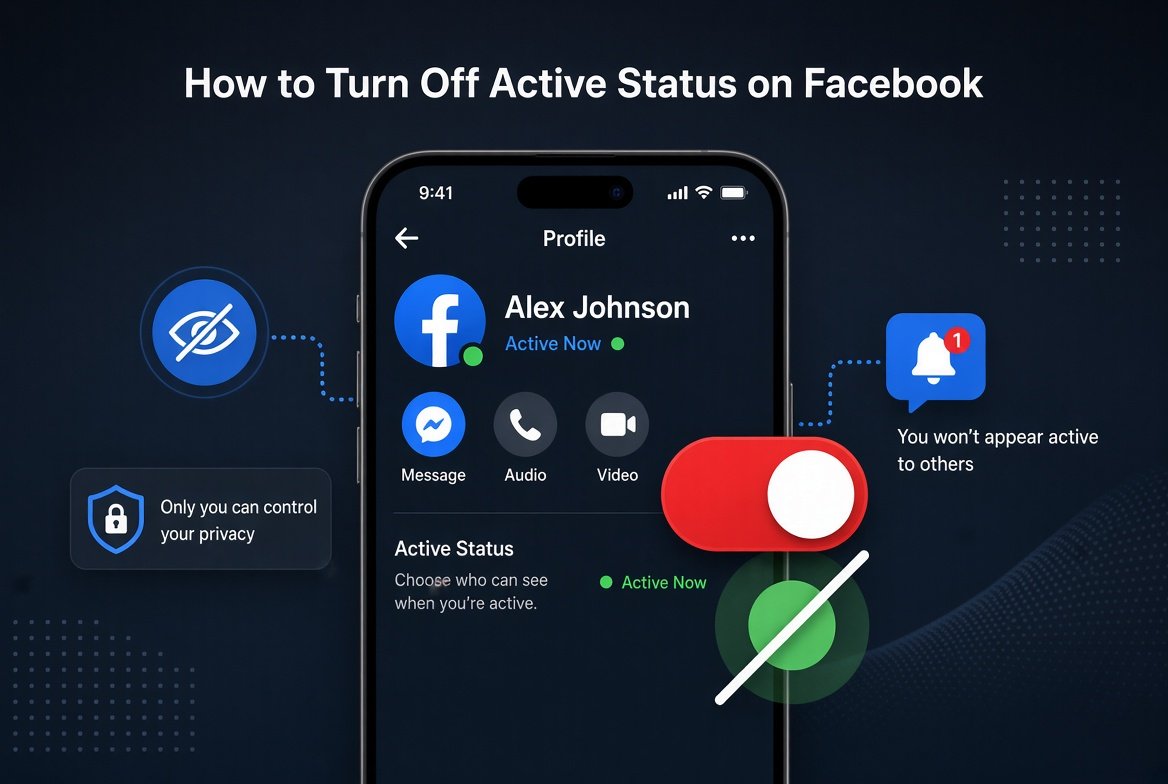
What Active Status Actually Shows
Active Status is the green dot or the “Active now” and “Active X minutes ago” text that appears next to your name for friends and contacts. It tells people when you’re currently on Facebook or Messenger, or how recently you were. Turning it off doesn’t stop anyone from messaging you and doesn’t affect your notifications. It only hides the part that broadcasts when you’re actually online.
How to Turn Off Active Status on Facebook (Mobile)
- Open the Facebook app on your phone.
- Tap the menu icon, three horizontal lines on Android or the profile icon on iPhone.
- Scroll down and tap Settings and Privacy, then Settings.
- Search for or scroll to Active Status.
- Turn off the switch labeled Show when you’re active.
How to Turn Off Active Status on Messenger
Messenger and Facebook share this setting on most accounts, but it’s worth checking both since Facebook occasionally rolls out interface updates that separate them.
- Open the Messenger app and tap your profile picture in the top left corner.
- Tap Settings, then Active Status.
- Turn off Show when you’re active.
After this, you’ll appear offline to most of your contacts across both apps.
Want to Hide It From Just Some People?
You don’t have to turn this off for everyone. Inside the Active Status settings, there’s an option to turn it off for specific contacts instead of your entire friends list. This is useful if you’re fine with close friends seeing when you’re online but would rather keep that hidden from everyone else.
Important Thing to Know Before You Turn It Off
Facebook’s active status works on a reciprocal basis. If you turn yours off, you also lose the ability to see when your friends are active. It’s an all or nothing trade, so decide whether that’s worth it before flipping the switch. This is separate from message read receipts too. Turning off Active Status doesn’t stop the little “Seen” tag from showing up once you’ve opened someone’s message. If unwanted engagement is the real issue, our guide on turning off comments on a Facebook post covers another way to control who interacts with what you share.
Other Privacy Settings Worth Checking While You’re There
- Review who can see your Stories, since that can reveal activity patterns even with Active Status off.
- Check your message request settings to control who can contact you directly.
- Limit location access in your app permissions to reduce how much Facebook shares about your movements.
Quick FAQ
Will people know I turned off active status?
No, there’s no notification sent to anyone. Your contacts will simply stop seeing the green dot or Active now label next to your name.
Does turning off active status stop message notifications?
No, you’ll still get all your normal notifications, calls, and alerts. This setting only controls your online visibility, not your ability to receive messages.
Can I turn it off on Facebook but keep it on for Messenger?
On most versions the setting applies to both since they run on the same account, but if you don’t see the change reflected in one app, check the Active Status setting inside that specific app separately.
Bottom Line
Turning off active status on Facebook takes less than a minute and gives you back control over who knows when you’re online. Just remember it works both ways, so you’ll trade seeing your own friends’ activity for keeping yours private. If you’re doing a broader privacy cleanup, our guide on turning off blue ticks on WhatsApp covers the same idea for your messaging app.